
- Published on
Why Your 10k Video Followers Ignore Your Live Stream (The Format Barrier) (2026)
- Authors

- Name
- Robin
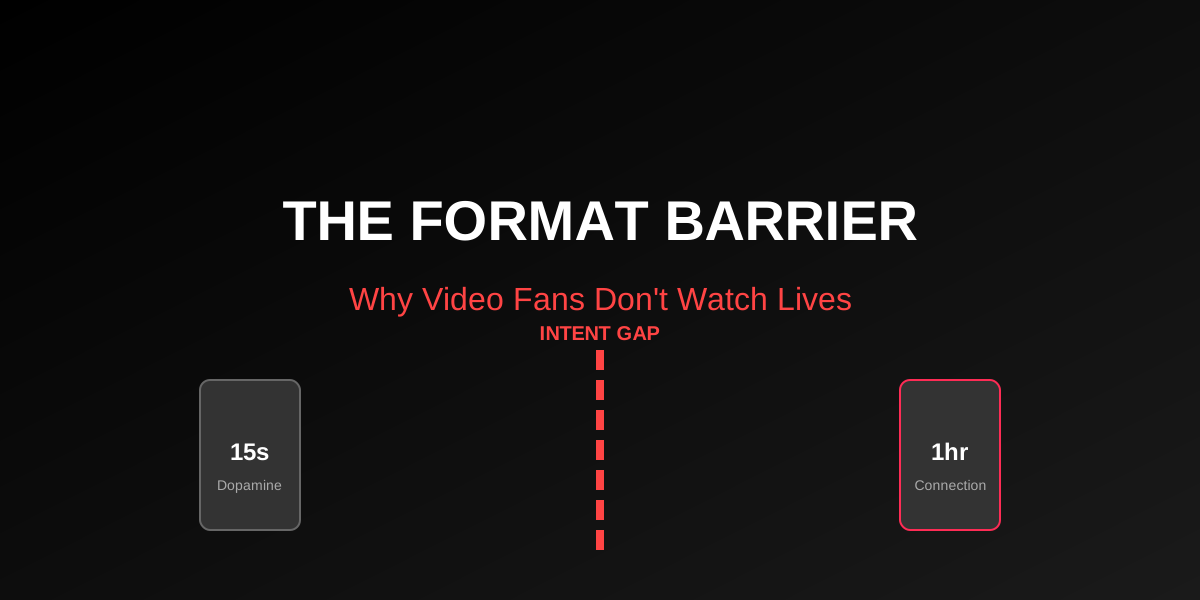
Just because they liked your 10-second clip doesn't mean they want to watch your 2-hour stream. The 'Format Barrier' is real.
"I have 50k followers from viral clips, but only 10 people watch my Live. Is my account shadowbanned?"
You are selling two different products. Short-form is fast dopamine. Live is slow connection. Your followers bought the first product, not the second.
Stop trying to "convert" everyone. Build a specific "Live Hook" in your videos that pre-qualifies viewers for long-form content.
The r/TikTokCreators Reality Check
The story is always the same:
"I post gaming clips and get 100k views. I go live to play the same game, and I have 4 viewers. Why doesn't TikTok push my live to my followers?"
TikTok does push your live to your followers. They just scroll past it.
The Format Barrier: Intent Mismatch
You assume that because someone likes you, they will watch anything you make. This is false. They liked the format, not just the person.
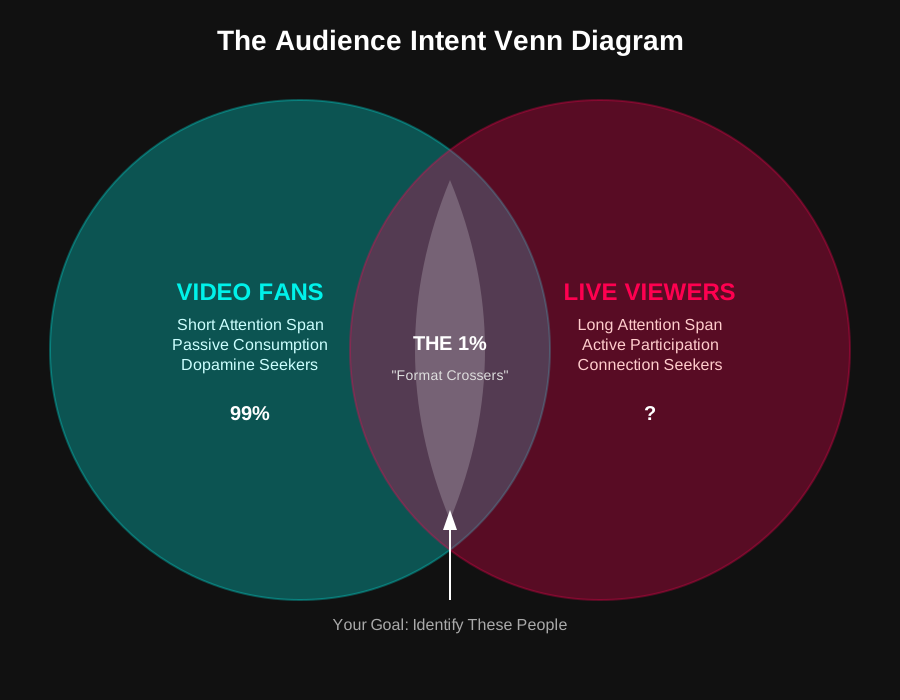
The overlap between "People who want a 10s laugh" and "People who want a 1hr hangout" is tiny (less than 1%).
1. The Video Consumer (99% of your followers)
- Context: Toilet break, waiting for bus, quick boredom relief.
- Attention Span: 3-5 seconds.
- Desire: "Entertain me immediately."
- Action: Swipes if bored for 1 second.
2. The Live Consumer (1% of your followers)
- Context: Lying in bed, doing homework, second monitor.
- Attention Span: 10-60 minutes.
- Desire: "Keep me company."
- Action: Types in chat, waits for replies.
Why "Going Live" Feels Like Starting Over
When you go live, you aren't activating your 50k followers. You are effectively starting a new channel with a new algorithm (the Live FYP).
Your video followers are actually a negative signal for your live stream initially.
- TikTok shows your Live to your followers first.
- Your followers (who only want 15s clips) scroll past immediately.
- The algorithm sees this low Click-Through Rate (CTR) and thinks: "This stream is bad."
- It stops pushing you to new people.
How to Bridge the Gap (The "Live Hook")
You need to train your video audience to become live viewers. You can't just hope they switch.
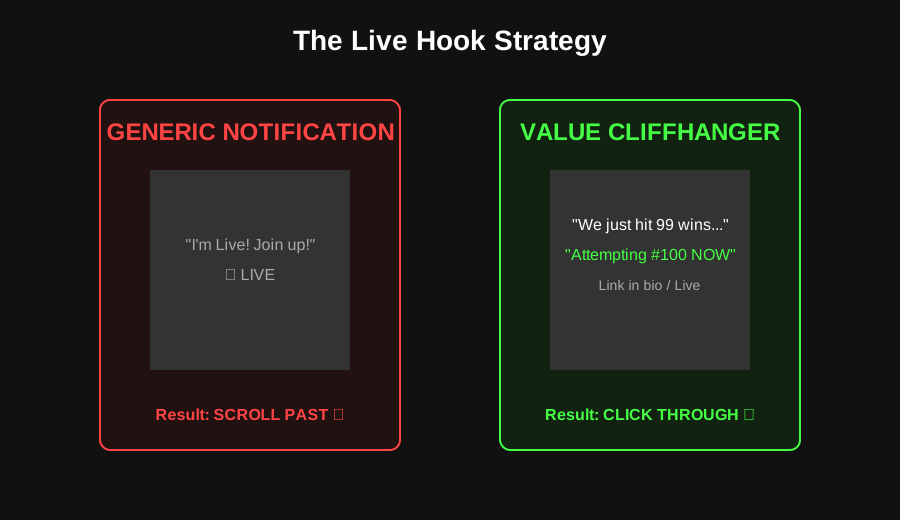
Don't just say "I'm live." Give them a reason that only exists in the Live format.
Bad Strategy: "I'm Live!"
Posting a video that just says "I'm live, join up."
- Result: Ignored. It offers no value.
Good Strategy: The "Cliffhanger"
Post a clip of a crazy moment that requires context, then say:
- "We are attempting the impossible run right now on Live."
- "I'm revealing the winner of this challenge in 10 minutes on Live."
This filters for people who care about the outcome, not just the dopamine hit.
Conclusion
Stop looking at your follower count as your "Live Audience." It isn't.
- Your Follower Count is your Distribution Potential.
- Your Live Viewers are your True Community.
The goal isn't to get all 50k followers to watch. The goal is to find the 500 "True Fans" hidden inside that 50k who are willing to cross the Format Barrier.