
- Published on
OBS Resolution Choices Are Hurting Your TikTok Live Quality (2026)
- Authors

- Name
- Robin
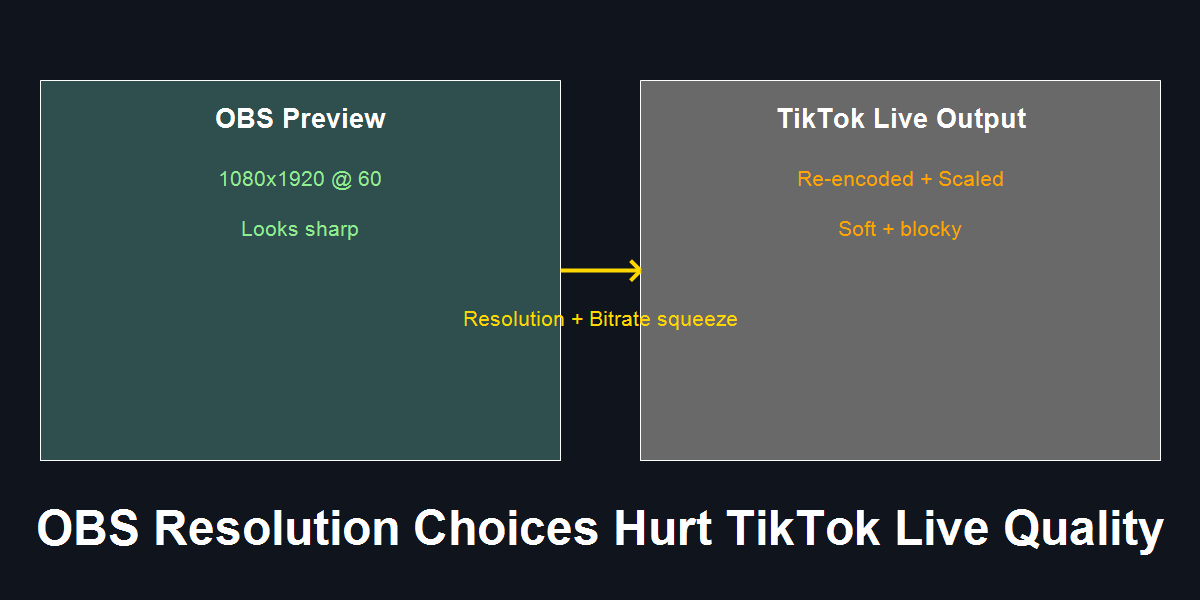
Your OBS preview can look crisp while TikTok Live looks soft. Resolution, FPS, and bitrate decisions decide how much TikTok has to re-encode.
Introduction (Reddit-native context)
r/OBS threads keep repeating the same confusion: “OBS looks clean in preview, but my TikTok Live looks washed out and blocky.” Most people then crank resolution and FPS even higher, which actually makes TikTok’s encoder do more damage.
This post is a diagnostic. It explains why resolution choices hurt TikTok Live quality, and how to choose settings that survive TikTok’s mobile re-encode.
Problem: Sharp in OBS, Soft on TikTok
OBS preview is local. TikTok Live is a multi-step pipeline: your encode, your upload, TikTok’s ingest, TikTok’s re-encode, then mobile playback. If any stage has too few bits for the number of pixels you send, the result turns soft or blocky.
Most “quality fixes” fail because they increase pixels without increasing real bitrate headroom, which collapses bits-per-pixel.
Cause: Resolution Mismatch + Bits-Per-Pixel Collapse
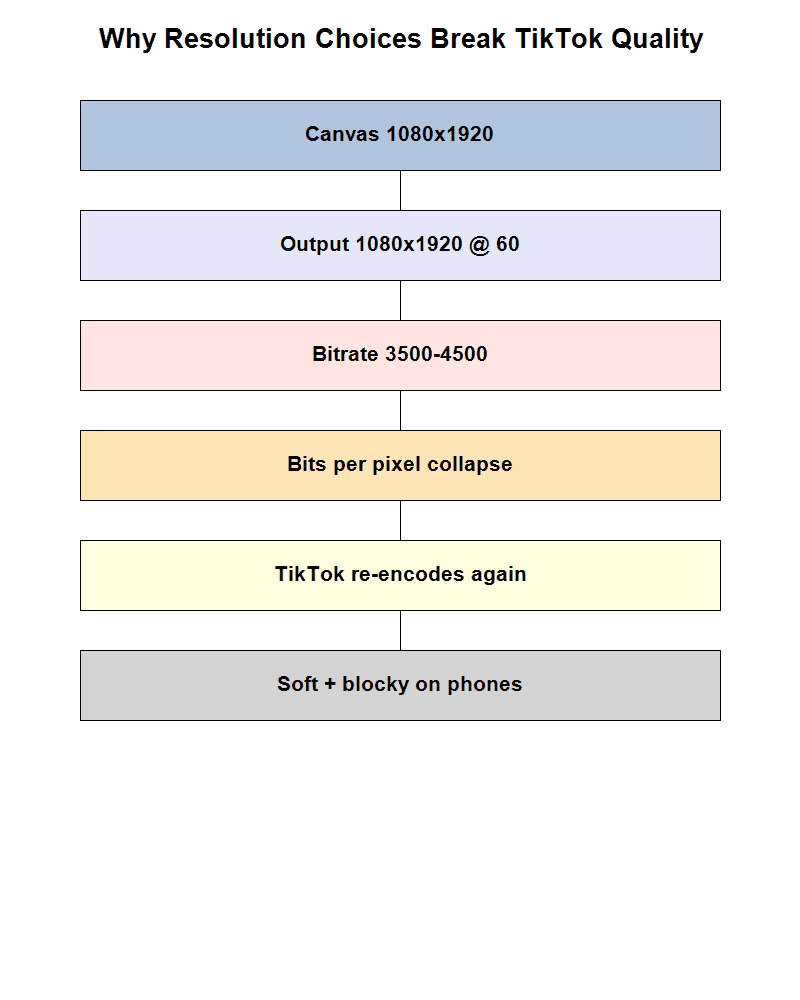
Cause chain: the common misattribution is blaming TikTok alone, but the root issue is sending too many pixels for the available bitrate, which forces a harsh re-encode.
Three common traps create this collapse:
Base and Output mismatch
OBS keeps scaling every frame. That adds softness before TikTok even touches it.1080x1920 at 60 FPS without headroom
You doubled frame count but didn’t double bitrate. Bits-per-pixel drops hard.TikTok re-encode on top of your stress test
Even if your local encode is barely holding, TikTok must re-encode for mobile delivery, which makes the softness obvious.
Fix: Make TikTok Do Less Work
Start with the assumption that TikTok will re-encode. Your job is to send it a clean, sustainable signal.
Step 1: Match Base and Output
If your base canvas is 1080x1920, your output should be the same. If you want 720x1280 output, set the base to 720x1280 too. Avoid constant scaling.
Step 2: Choose a Stable Baseline First
Start with 720x1280 @ 30 FPS. This gives TikTok room to re-encode without destroying clarity. Only move up after a phone test looks clean for 10 minutes of real gameplay.
Step 3: Control Bits-Per-Pixel
Resolution is not “better” if you can’t feed it. For most home uploads, 720p30 with 3000–4500 Kbps looks cleaner than 1080p60 at 4500–6000 Kbps.
Step 4: Test on a Phone, Not OBS Preview
If it looks soft on a phone over cellular, it is soft. Fix resolution and bitrate first, then revisit FPS.
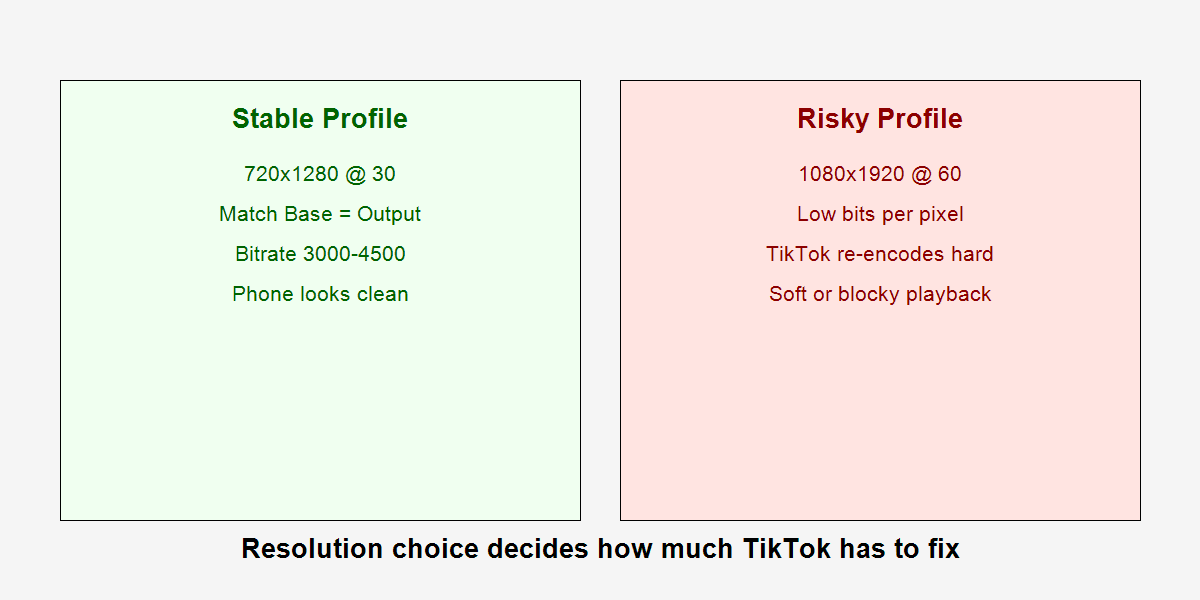
Profile comparison: the stable 720p30 profile gives TikTok less work, while the risky 1080p60 profile often collapses bitrate on re-encode.
Actionable Checklist
- Match Base and Output resolution in OBS
- Start at 720x1280 @ 30 FPS
- Use CBR and keep keyframes at 2 seconds
- Keep bitrate in a range your upload can actually sustain
- Phone-test on cellular for 10 minutes of real gameplay
- Only move to 1080x1920 after the phone test stays clean
FAQ
Q: Why does OBS preview look better than TikTok Live?
A: Preview is local and uncompressed. TikTok re-encodes your stream for mobile delivery, and any bitrate weakness becomes obvious.
Q: Is 1080x1920 always worse?
A: Not always. It can look great if you have real bitrate headroom and zero encoding lag. Most small creators don’t, so 720p30 wins.
Q: Should I use 60 FPS for fast games?
A: Only after you confirm zero encoding and rendering lag. A clean 30 FPS looks better than a “fake 60” stream with dropped frames.
Q: Does matching Base and Output actually matter?
A: Yes. It removes constant scaling, which protects sharpness before TikTok even touches the feed.
Practical Conclusion
If TikTok Live looks soft, don’t just crank resolution. Match base and output, start at 720p30, and protect bits-per-pixel. Once the phone test looks clean, you can scale up. Until then, stability beats “max quality” settings every time.